
Overview
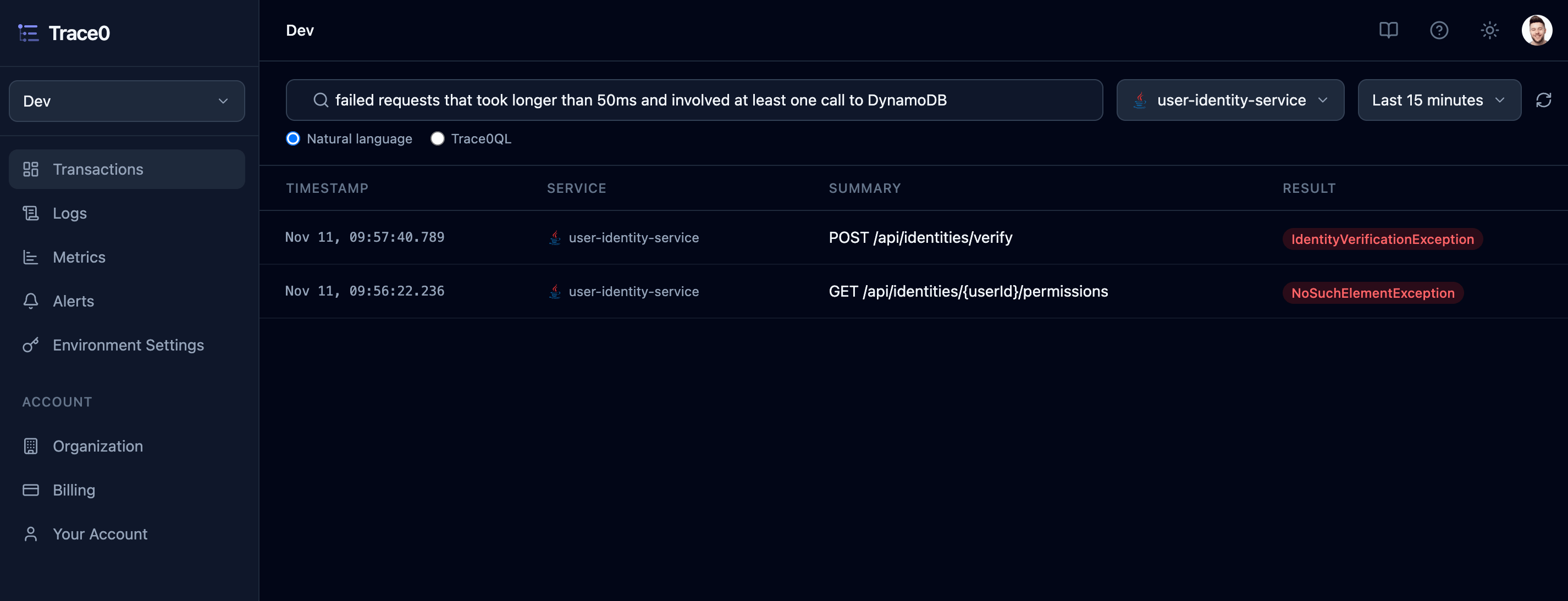
Natural Language Search lets you search your transactions by describing what you’re looking for, rather than writing a query. For example:failed requests that took longer than 50ms and involved at least one call to DynamoDB
Trace0 converts your search into a Trace0QL query, runs it, returns the matching transactions and shows the generated query in the Trace0QL query box to the right:
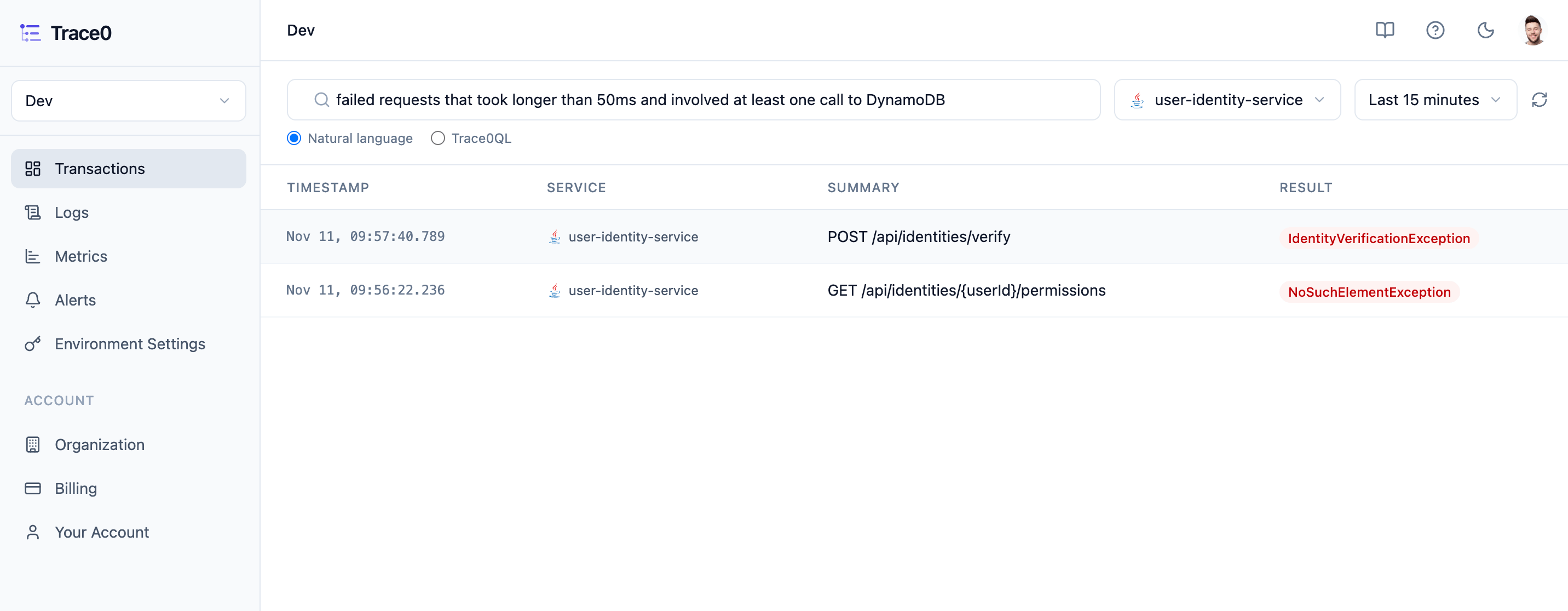
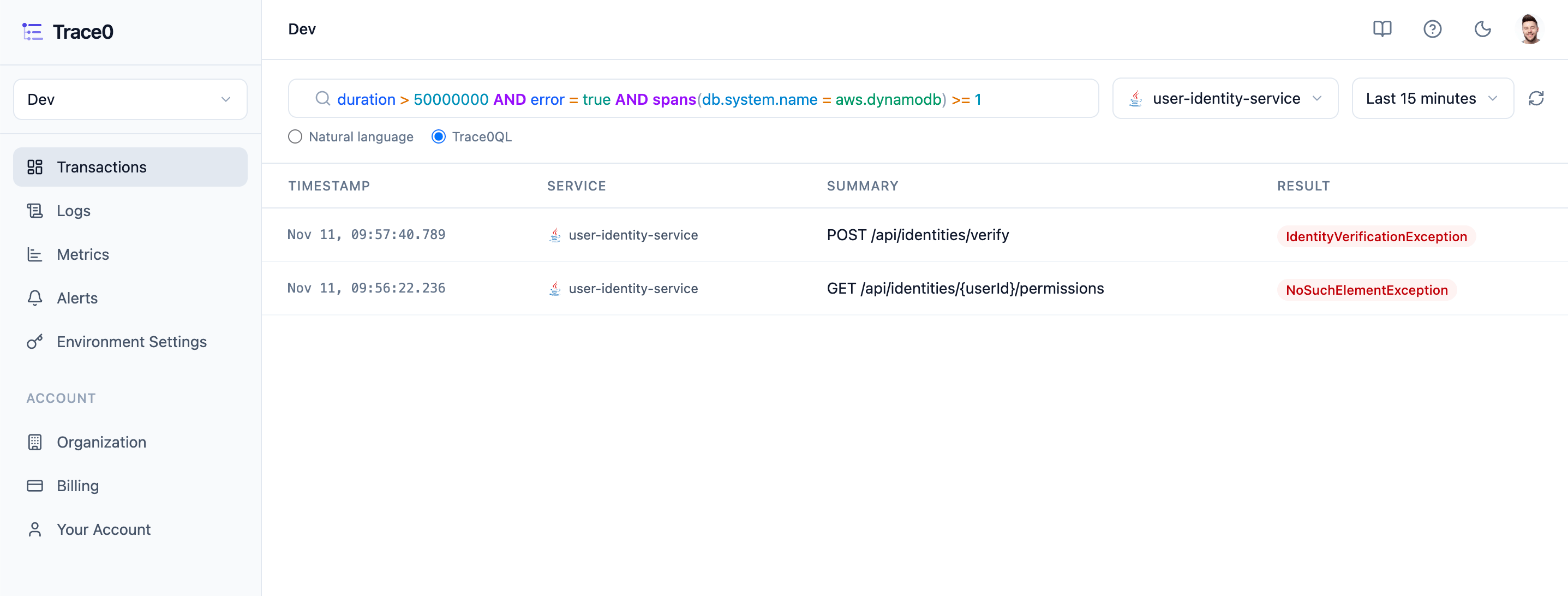
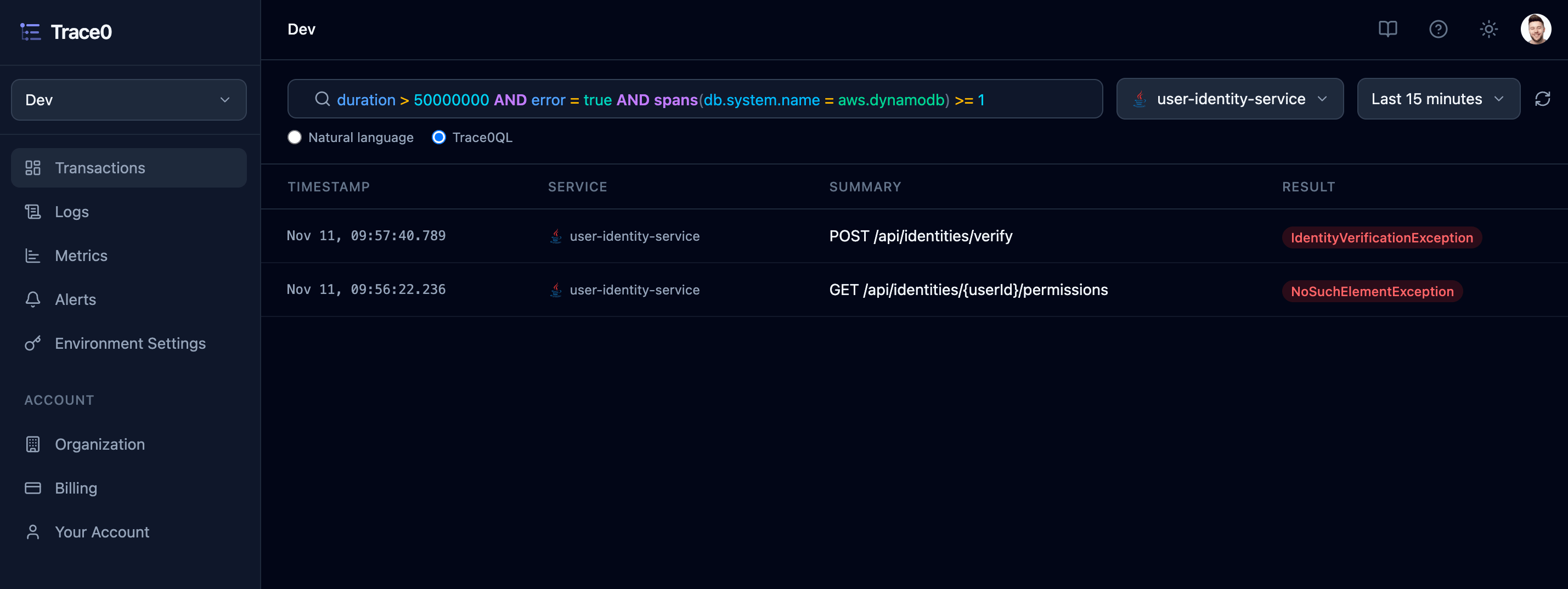
Trace0QL query is shown, you can check that it matches what you meant, and edit it and run it again if it doesn’t. A re-run query is run as written, without being converted again.
The environment, service name and time range selected apply to your search, so you don’t need to include them in it.
What you can search for
You can describe anything that Trace0QL can express:
Durations can be given in any unit (e.g.
250µs, 29ms, 1.5 seconds), and are converted to nanoseconds for you.
Examples
Tips
- Be specific about what you’re looking for. “slow requests” has to guess what slow means, while “requests that took longer than 2 seconds” doesn’t.
- Describe one call with all its properties together, e.g. “a call to KMS that took longer than 29ms”. This is converted to a single
spans(...)condition, so the same call must match all of them. - Name tags by their key, e.g. “the tag user_id is 123”. Trace0 only searches tags when your search mentions a tag or gives its key, so “requests from Dave” isn’t treated as a tag search.
- Name endpoints with their HTTP method (e.g. “POST /orders”) to match only that method, or without it (e.g. “/orders”) to match any method.
- If a search can’t be converted, or the query isn’t what you meant, edit the query in the
Trace0QLquery box. Natural language search is a starting point, andTrace0QLgives you full control.
Privacy
Trace0 uses AI to convert your natural language query into aTrace0QL query. Only your search text is sent to an LLM to be converted to Trace0QL. Your transactions, spans, logs and tag values are not sent to the LLM.