
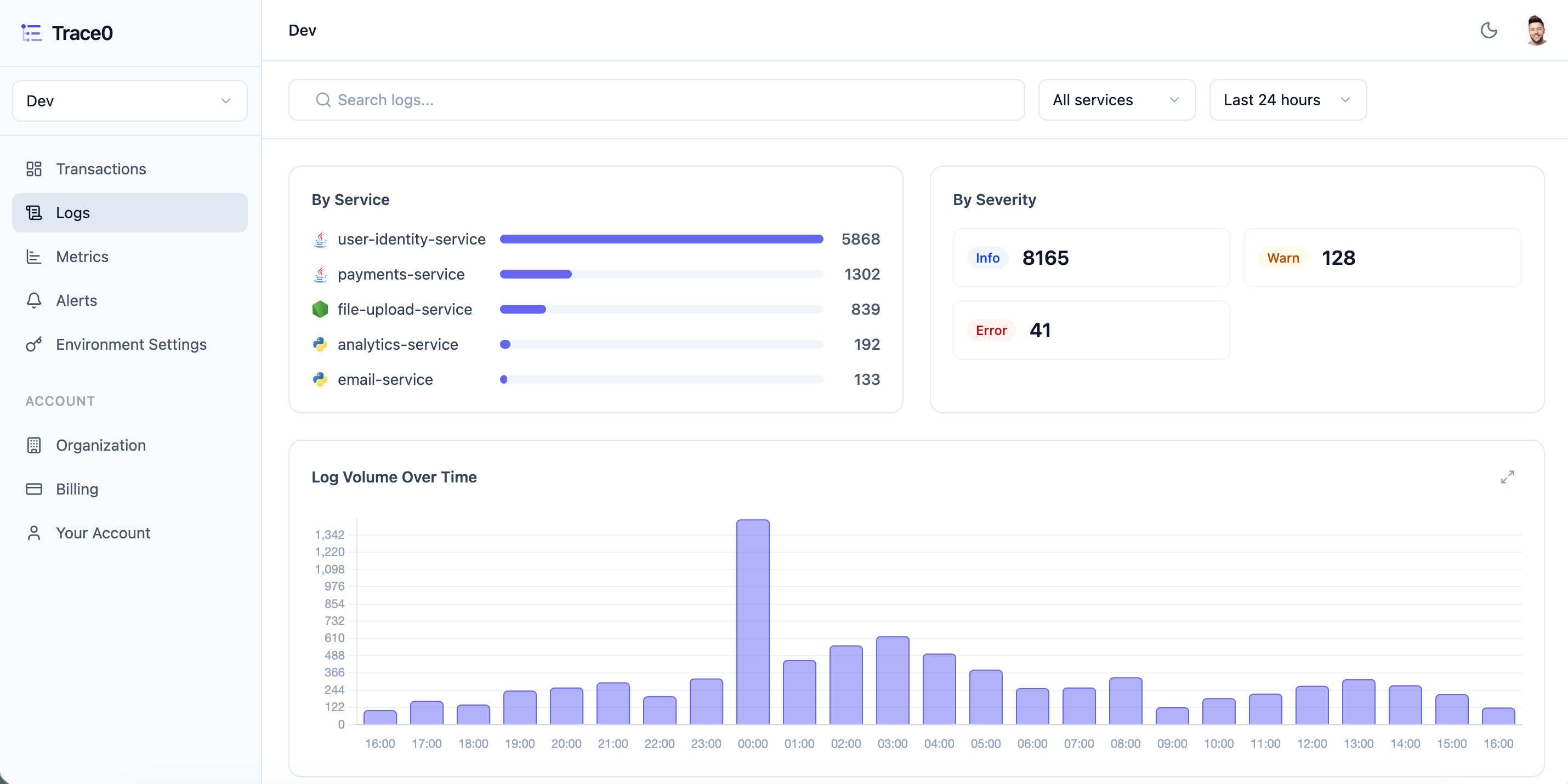
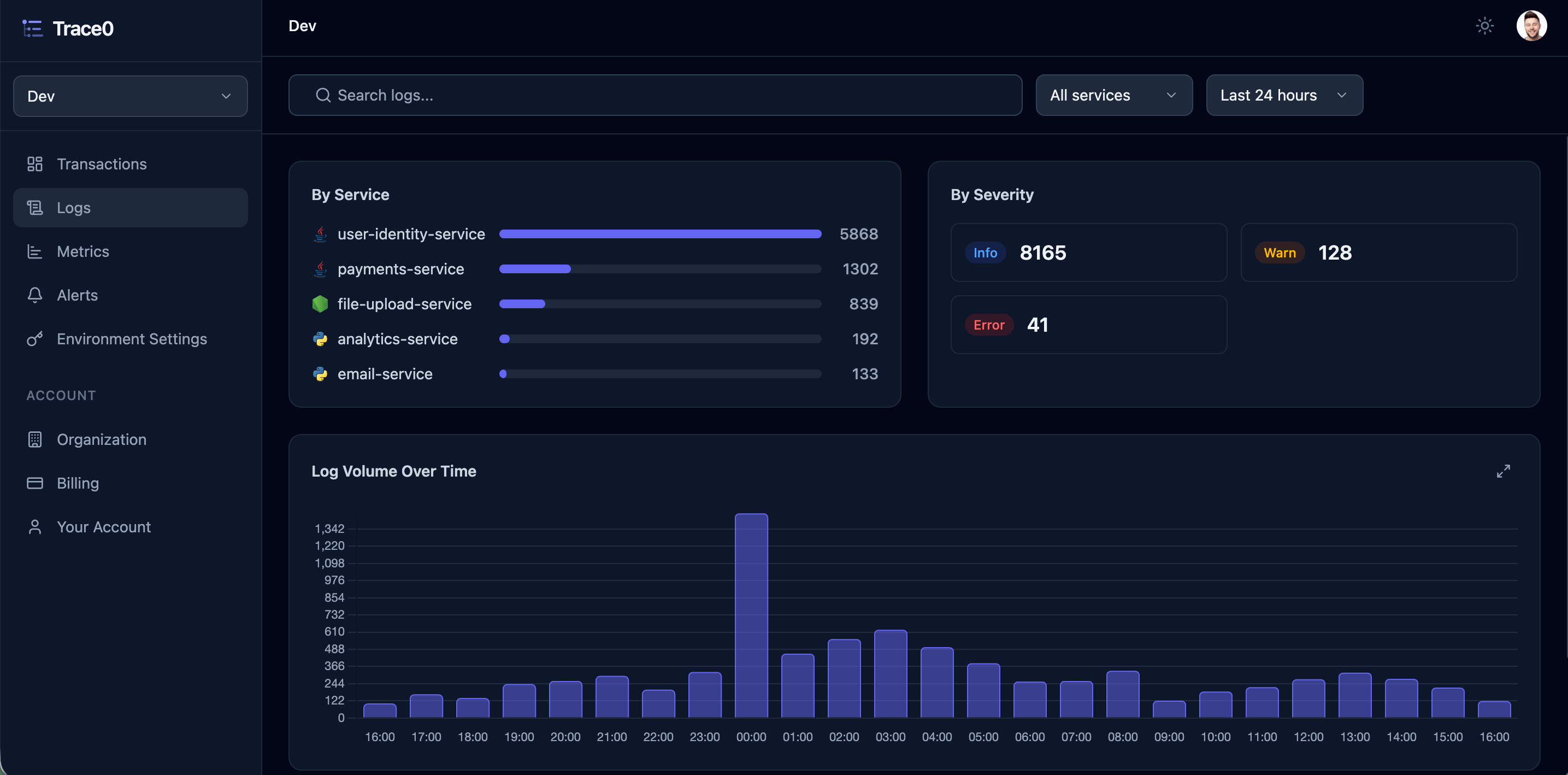
Filtering and Searching
You can then filter logs by service, level and time period. You can also search logs by free text, returning any log entry where the search term appears in the log entry: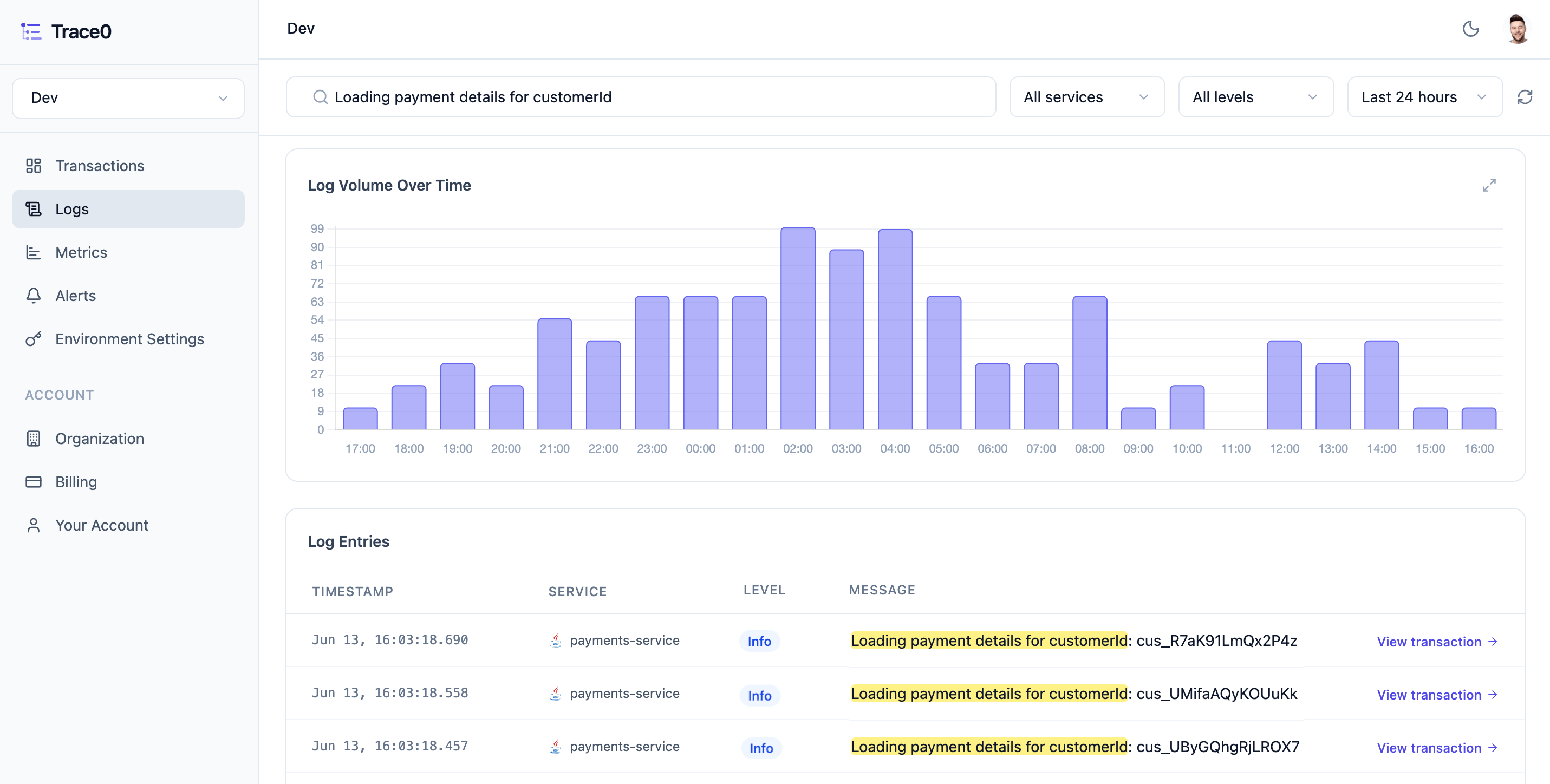
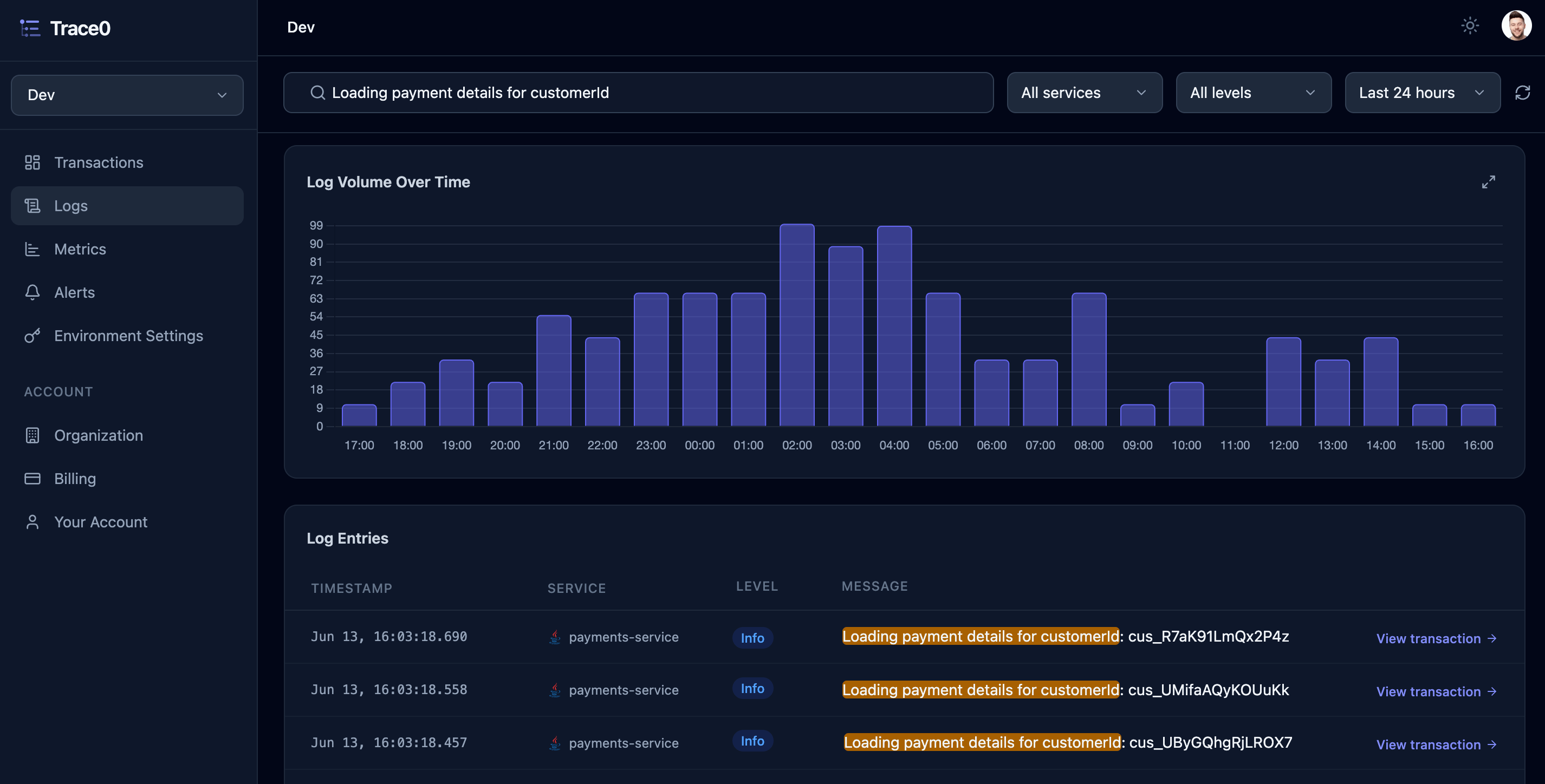
Log entries table and includes a link to the corresponding Transaction. Click View transaction to open the transaction and see the full context of where the log entry occurred within the transaction.