
Overview
Ingest API Keys are secure tokens used to authenticate your telemetry ingest requests to Trace0. Ingestion keys are write-only. They can only send telemetry data (traces, logs, metrics) into your account. They cannot be used to query, read, or delete any data.Using Ingest API Keys in Frontend/Browser Applications
Because Ingest API keys are write-only, they can be used in browser applications where the key is visible in browser code. The primary risk of an exposed ingestion key is that a third party could send unwanted telemetry data to your account, increasing ingestion volume and costs. To limit this risk, create a dedicated ingest API key for frontend use with ingest limits.Create New Ingest API Key
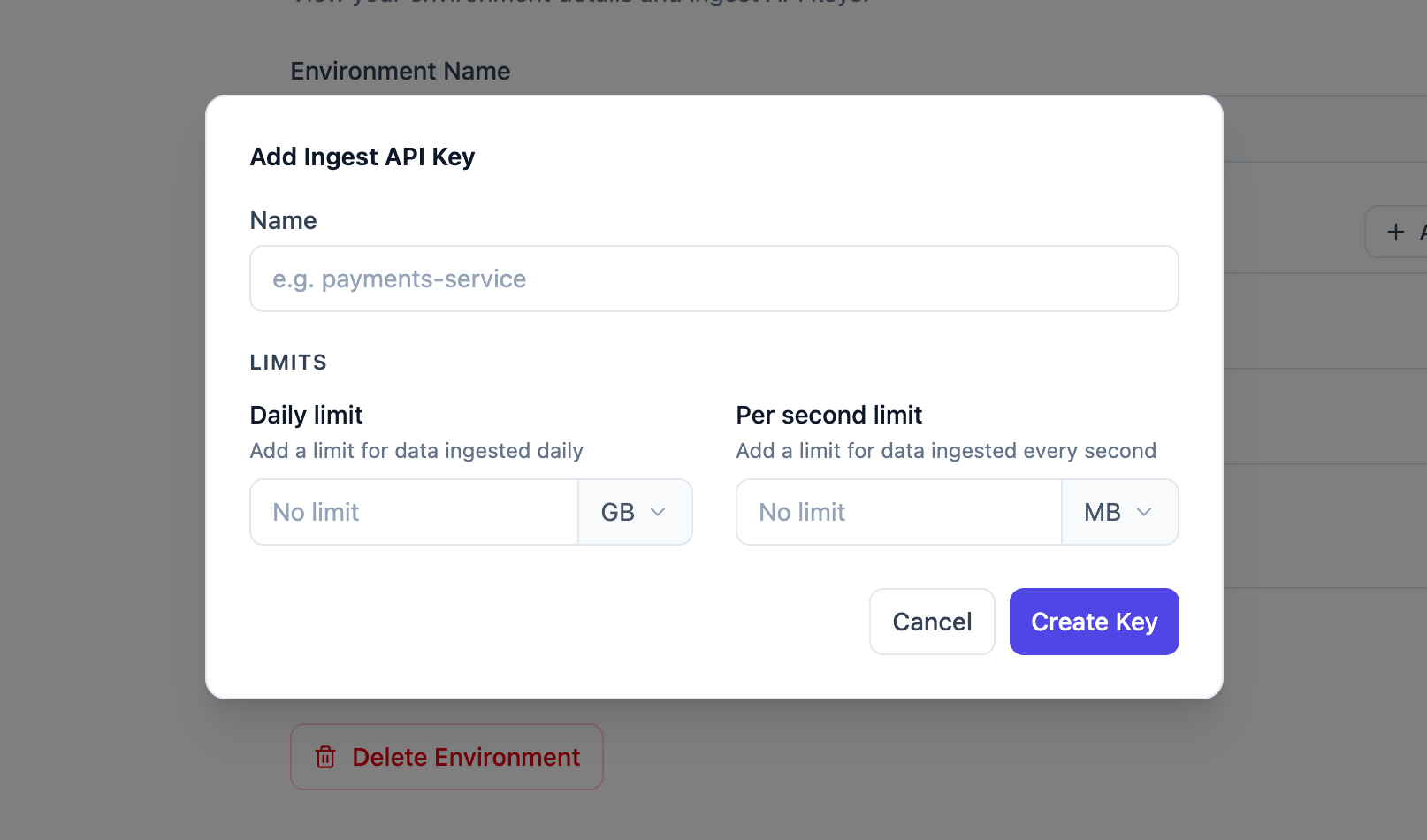
To create a new ingest API key for an environment, click into theEnvironment Settings screen, then click the Add API Key button.
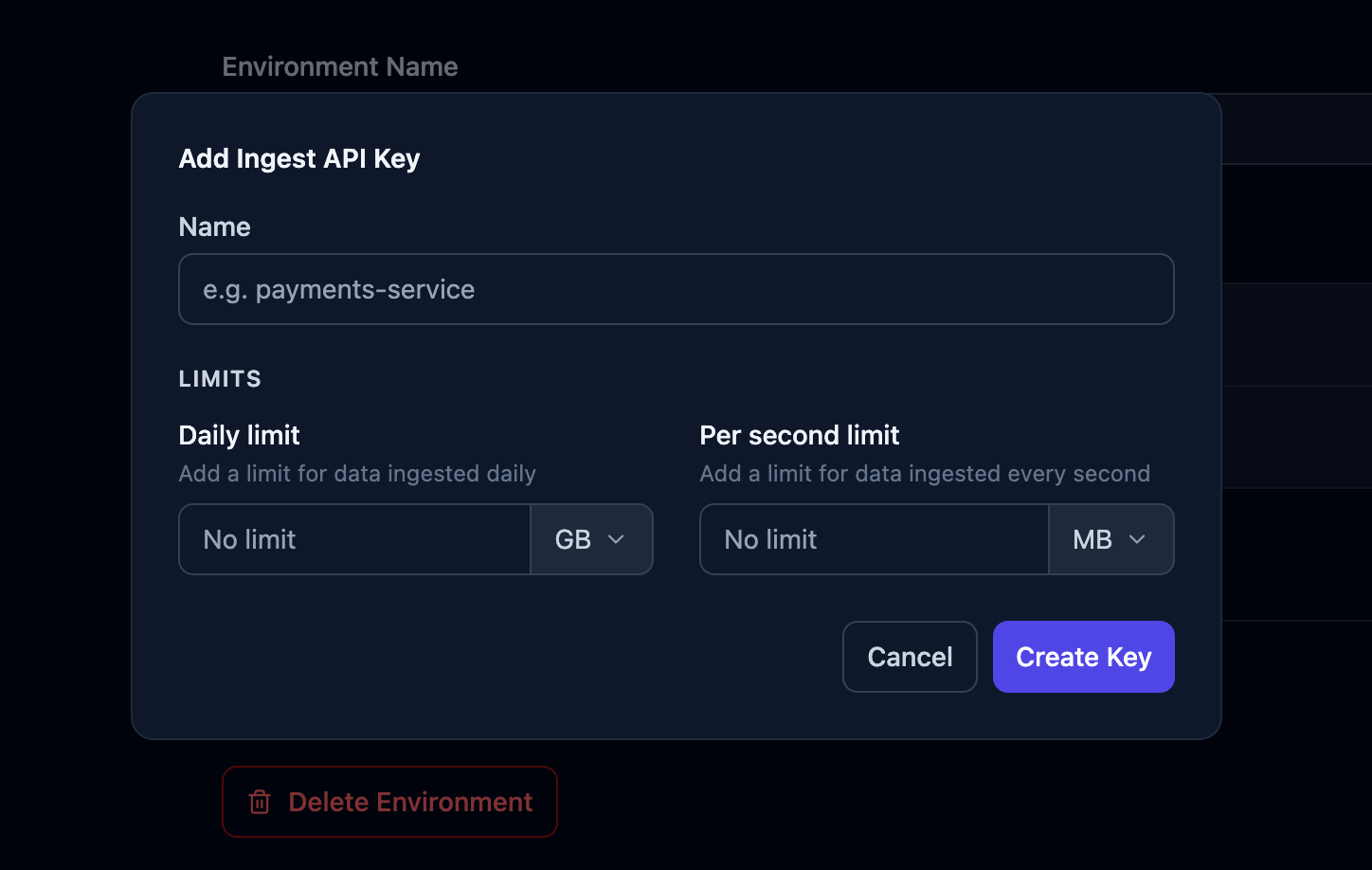
In the pop-up modal, enter the name for the key, along with any ingest limits. Leaving the ingest limits empty means there are no limits.
Delete Ingest API Key
To delete an ingest API key, click the Trash icon next to the key you want to remove, then clickDelete Key in the confirmation pop-up. Note that this action is irreversible and will immediately revoke the key. Ingest requests from any services using the key will fail.
Ingest Limits
In Trace0, you can set limits on your ingest API keys. To add a limit to an existing key, click on the target key to open its dropdown menu, then click the Edit icon.When an ingest API key reaches its configured limit, data ingestion for services using that key stopped and any incoming data is dropped until the limit resets. This can result in gaps in your traces, logs, or metrics.