> ## Documentation Index
> Fetch the complete documentation index at: https://docs.trace0hq.com/llms.txt
> Use this file to discover all available pages before exploring further.
# Logs
> Search and explore logs across your services.
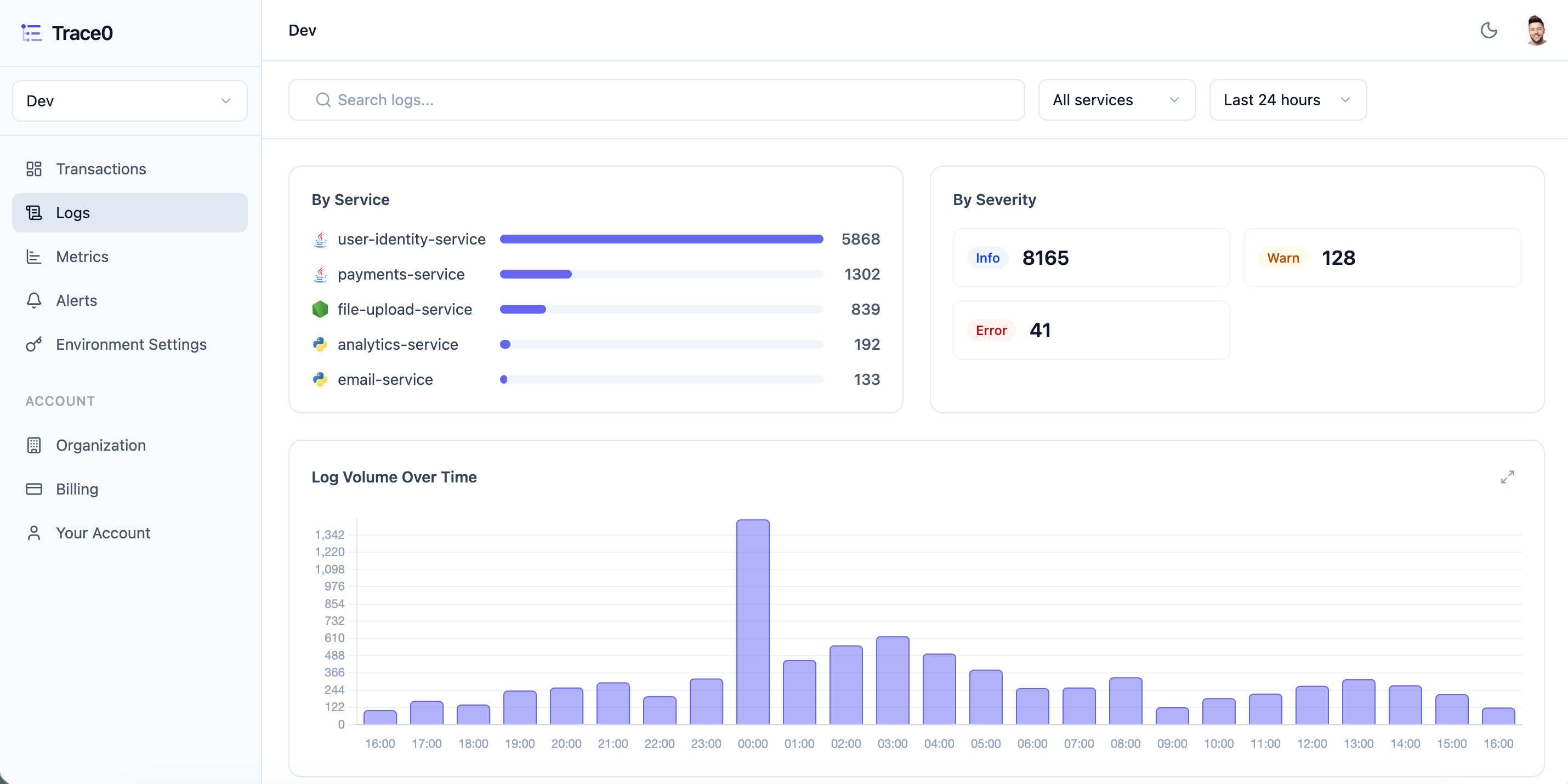
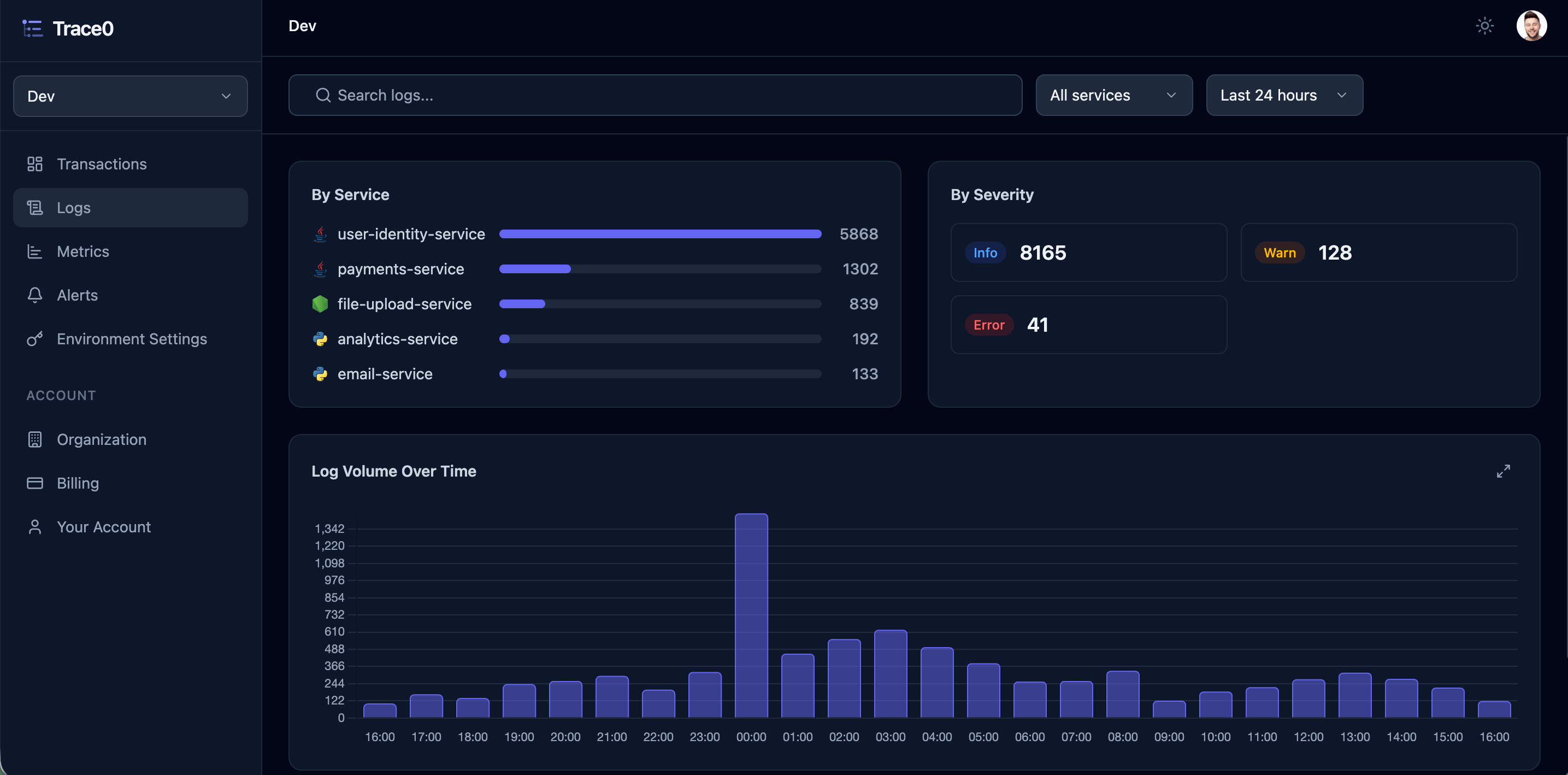
You can view and analyze logs for each of your services in the [Logs](https://app.trace0hq.com/logs) section:
 ### Filtering and Searching
You can then filter logs by service and time period.
You can also search logs by free text, returning any log entry where the search term appears in the log entry:
### Filtering and Searching
You can then filter logs by service and time period.
You can also search logs by free text, returning any log entry where the search term appears in the log entry:
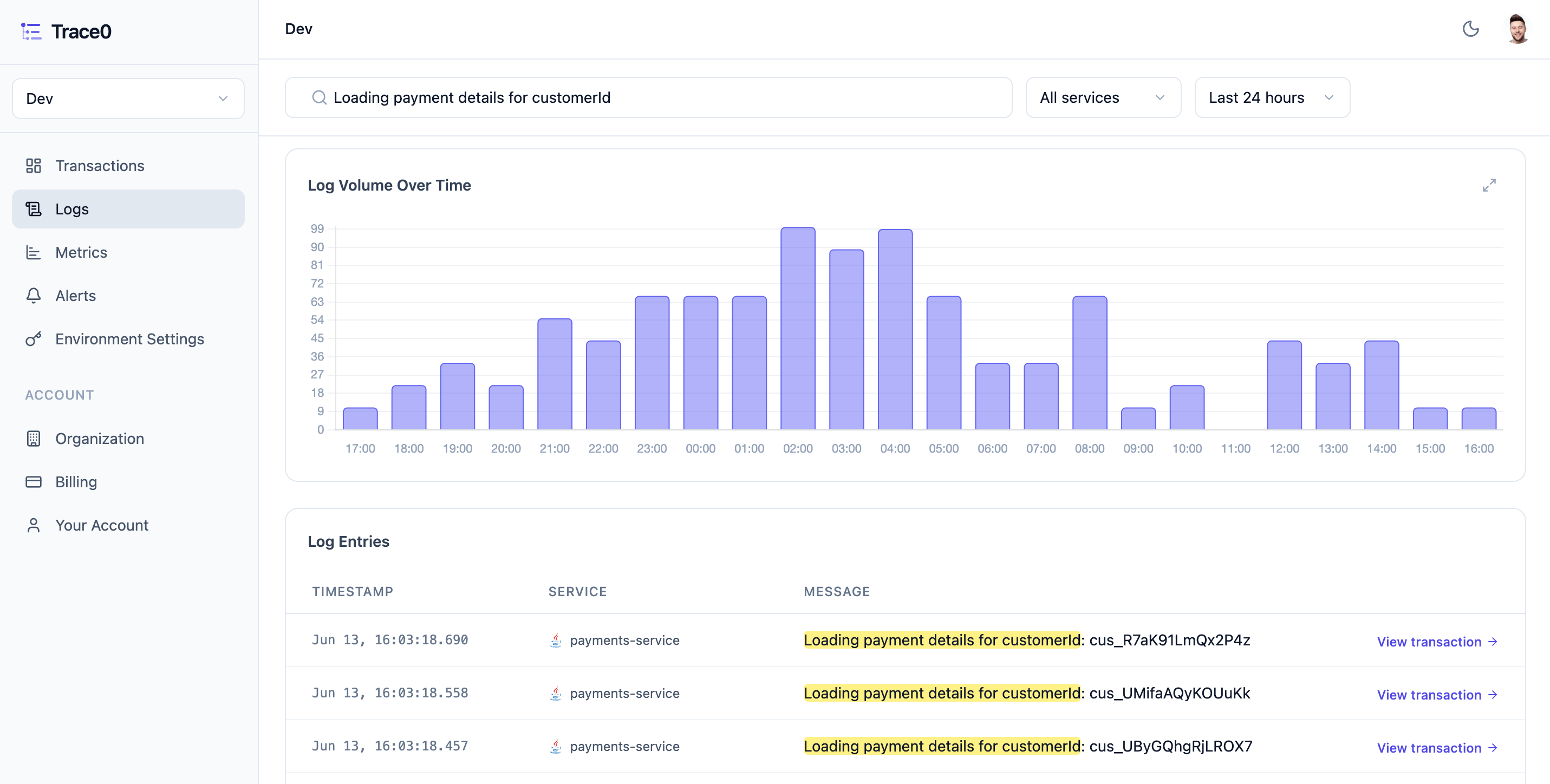
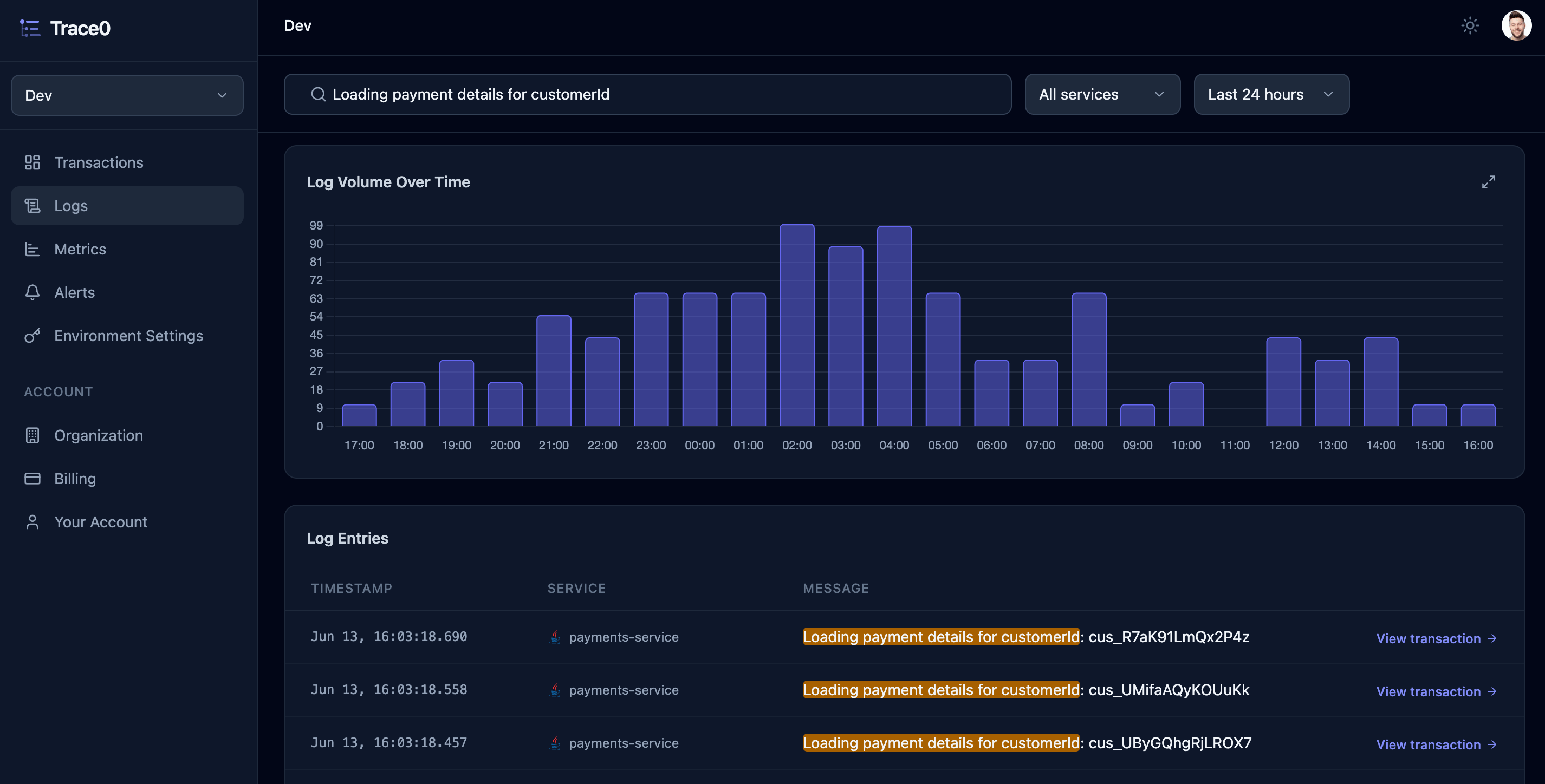 Each matching log entry is displayed in the `Log entries` table and includes a link to the corresponding [Transaction](/platform/transactions). Click `View transaction` to open the transaction and see the full context of where the log entry occurred within the transaction.